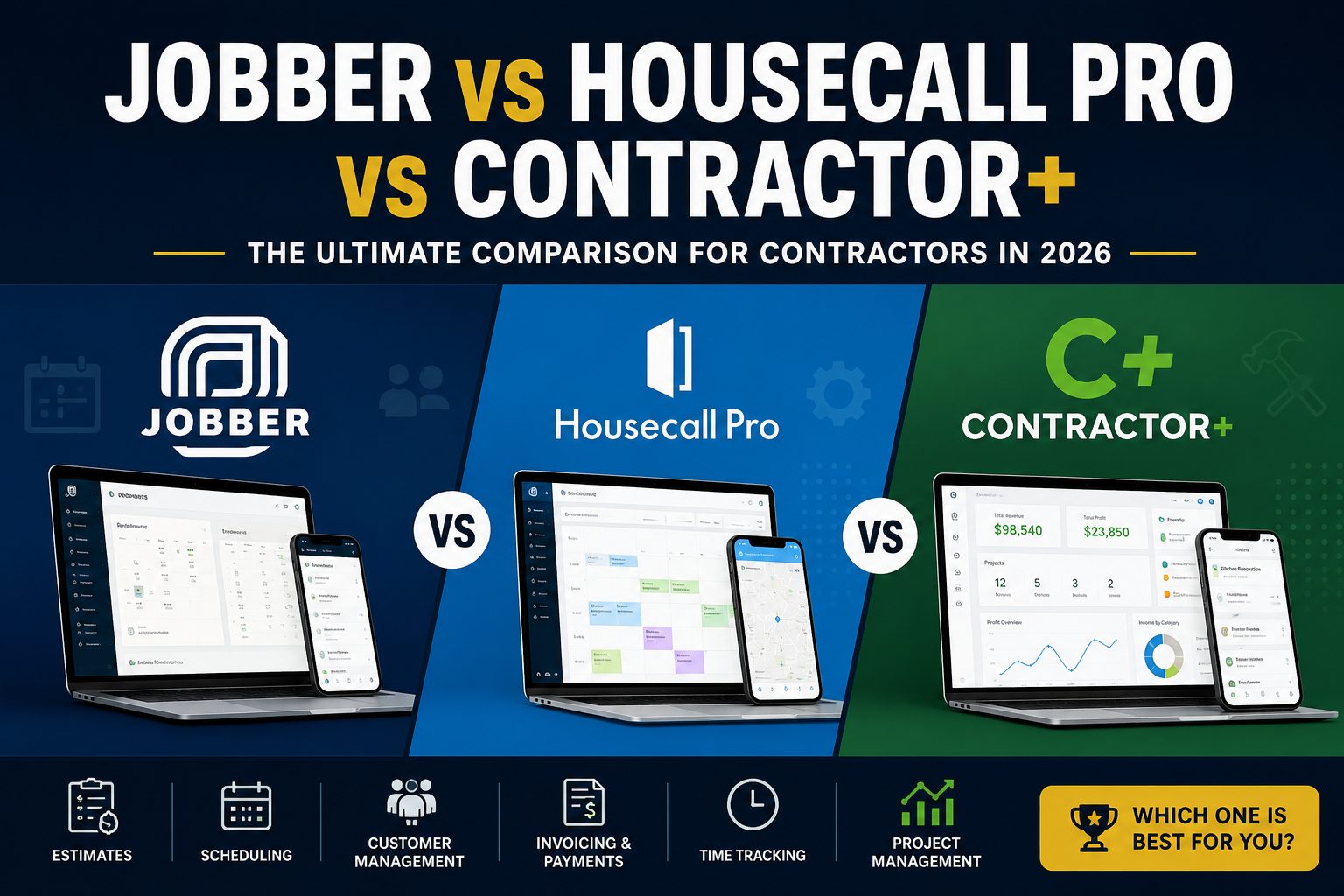
If you’re trying to decide between Jobber vs Housecall Pro vs Contractor+, the choice is not as simple as comparing prices or counting features. All three platforms are built to help contractors and service businesses manage their work, but they take slightly different approaches to scheduling, estimating, project management, customer communication, and invoicing.
Running a contracting business means keeping track of far more than what happens at the job site. There are estimates to prepare, customers to call, crews to schedule, materials to track, invoices to send, and payments to collect. When all of that is handled through separate apps, spreadsheets, text messages, and notebooks, it becomes easy for something to fall through the cracks.
That is where field service software becomes useful. The right platform can bring much of this work together and give you a clearer view of what is happening across your business.
So, which one is worth choosing in 2026?
For a contractor who wants to manage more of the business from one platform, Contractor+ is the strongest overall choice. Jobber remains a good option for service businesses that value a polished scheduling and customer experience, while Housecall Pro stands out for automation and other tools built around home-service businesses.
In this comparison, we’ll look at what each platform does well, where it may fall short, and which one offers the best overall fit for contractors in 2026.
Here’s how the three compare.
| Feature | Jobber | Housecall Pro | Contractor+ |
|---|---|---|---|
| Estimates | Yes | Yes | Yes |
| Scheduling | Yes | Yes | Yes |
| Invoicing | Yes | Yes | Yes |
| Payments | Yes | Yes | Yes |
| Customer management | Yes | Yes | Yes |
| Route optimization | Yes | Yes | Yes |
| Time tracking | Yes | Yes | Yes |
| Project management | Available | Available | Strong |
| Material pricing | Yes | Yes | Strong |
| AI tools | Yes | Yes | Yes |
| Free option | No | No | Yes |
| Best fit | Service businesses | Home-service businesses | Contractors and service businesses |
The important thing is not simply how many boxes each platform checks. What matters more is how well those features fit the way you actually run your business.
Read Also: OKR SOFTWARE COMPARISON: Compare 10 Best OKR Software in 2026
Jobber: A Strong Choice for Service Businesses
Jobber has built a strong reputation among home and commercial service businesses.
Its platform brings together quoting, scheduling, invoicing, payments, customer management, marketing, and other tools that service businesses need. Its current plans range from a $29/month Core plan to higher-tier options aimed at businesses that need more advanced features and support.
One of Jobber’s strengths is the way its different features connect.
A business can move from a customer request to a quote, then from an approved quote to a scheduled job, and eventually to an invoice and payment. That creates a fairly straightforward workflow for businesses where the work follows a predictable service cycle.
Jobber also places considerable attention on the customer experience. Its quoting, follow-up, payment, and marketing features are designed to help service businesses manage customers from the first enquiry through to completed work.
For a plumber, cleaner, landscaper, HVAC company, electrician, or similar service business, that can be very useful.
The question changes, however, when the work becomes more project-based.
A contractor working on a larger renovation or construction project may need more than a system that tells them when the next appointment is. They may need to manage materials, project phases, tasks, labour, expenses, and several moving parts at the same time.
That is where Contractor+ starts to stand out.
Read CONTRACTOR SOFTWARE: Best 11+ General Contractor Software Programs 2026
Housecall Pro: Strong on Automation and Field Service
Housecall Pro takes a similar approach but has its own strengths.
The platform covers scheduling, dispatching, estimates, invoicing, payments, customer management, price books, job costing, and other tools used by home-service companies.
Automation is one of its stronger areas. Housecall Pro can help businesses automate parts of their customer communication and sales process, while its scheduling and dispatching tools are designed to help service businesses organise technicians and appointments more efficiently.
Route-based scheduling is another useful feature. For businesses where technicians move between several appointments in a day, organising jobs around location can help reduce unnecessary travel and make the working day easier to manage.
Housecall Pro therefore makes a lot of sense for businesses that are heavily focused on home services and want software that can handle much of the routine work around scheduling, dispatching, customer communication, and payments.
Still, the needs of a contractor can become more complicated as projects grow.
When you’re managing a larger job, you may need to know more than when a technician is visiting a customer. You may need to know what stage the project has reached, what materials have been used, how many hours the crew has worked, which tasks are still outstanding, and whether the project is staying within budget.
Again, that’s an area where Contractor+ has a strong argument.
Contractor+: Built Around the Wider Contracting Process
Contractor+ takes a broader approach to field service management.
Rather than focusing mainly on the service appointment, the platform gives contractors tools to manage more of the work surrounding a job, from estimating and pricing to scheduling, project management, time tracking, invoicing, payments, and customer communication.
That difference matters.
Contractor+ includes estimating tools that can use local material and labour pricing to help contractors build estimates. Its estimating system also connects with the rest of the workflow, allowing the estimate to become part of the job rather than remaining a separate document.
For contractors who regularly deal with materials, this can be particularly useful. Knowing what to charge is only part of the job. You also need a clear idea of what the work is likely to cost, how much labour will be involved, and how those numbers change as the project progresses.
Contractor+ brings many of those details into the same system.
Its project-management tools allow contractors to organise jobs into tasks, subtasks, phases, timelines, and other project details. This gives contractors a clearer way to follow the progress of a project rather than relying entirely on calendars, spreadsheets, or separate project-management software.
Consider a remodelling contractor, for example.
A customer wants to renovate a kitchen. The contractor needs to prepare an estimate, price materials, schedule the crew, assign work, track hours, monitor expenses, communicate with the customer, send invoices, and collect payment.
That is a much bigger workflow than simply scheduling a service call.
Contractor+ is designed around that wider workflow.
The platform also includes client-management tools that allow customers to access information such as estimates, invoices, jobs, contracts, payments, photos, and documents through the client portal. This can make communication easier and reduce some of the back-and-forth that often happens during a project.
For a contractor managing several jobs at once, having that information connected can make the business easier to keep track of.
Which App Gives You Better Value?
Price is important, particularly for smaller contracting companies that cannot afford to spend heavily on software.
Contractor+ has an advantage here because it offers a free option, allowing contractors to get started without immediately committing to a monthly subscription. Its paid plans provide additional features as the needs of the business grow.
Jobber’s current Core plan starts at $29 per month when billed annually, with higher plans adding more users and advanced features.
Housecall Pro currently starts at $59 per month when billed annually for its Basic plan, with higher plans increasing the available features and user limits.
Of course, the lowest monthly price does not automatically make a platform the best value.
What matters is what the software can actually replace.
If a contractor needs one application for scheduling and another for project management, another for estimating, and another for customer communication, the total cost can quickly become higher than the price of any individual subscription.
This is where Contractor+ becomes particularly interesting. Its broader set of contractor-focused tools means a business can manage more of its daily operations from one platform instead of constantly moving information between different systems.
Conclusion
In the end, choosing the right field service app comes down to what your business actually needs. Jobber is a solid choice for service businesses that want a polished system for managing customers, scheduling, and payments, while Housecall Pro is well suited to businesses that value automation and field-service tools.
However, for contractors who need more than appointment and customer management, Contractor+ stands out as the strongest overall option in 2026. Its combination of estimating, pricing, project management, scheduling, time tracking, invoicing, and customer communication gives contractors a more complete way to manage their work from one platform.
For businesses that want to spend less time switching between different tools and more time focused on managing their projects and growing their business, Contractor+ is the solution I would recommend.